


Description
Flip Bottles with Realistic Physics
Overview
Bottle Flip 360 is a casual simulation game developed by GameScape Studios, designed to deliver a fun and engaging experience centered around the popular bottle-flipping trend. The game leverages realistic physics to simulate the motion and balance of bottles during flips, offering a lifelike challenge that goes beyond simple mechanics. Players aim to land as many successful flips as possible within a limited number of attempts—three bottles per round—making each throw strategic and deliberate. The goal is to maximize your score by improving precision and timing, with the added motivation of climbing global leaderboards. This game appeals to casual gamers and fans of quick, reflex-based entertainment who enjoy light competition and replayability. It’s ideal for short breaks, social play sessions, or solo practice. The developer did not provide additional details about the studio’s background beyond the name. The game supports both Windows and Mac platforms, making it accessible to a broad desktop audience. Real-world usage scenarios include quick gaming sessions during work breaks, friendly multiplayer matches with friends, or competitive play against random players worldwide. Despite its simplicity, the game’s physics engine adds depth, turning each flip into a test of skill and timing.
Key Features & Capabilities
- Realistic Physics Engine: The game simulates real-world dynamics, including rotation, momentum, and balance, to create authentic bottle-flipping behavior. This enhances immersion and increases the challenge of landing successful flips.
- Swipe-Based Controls: Players use intuitive swipe gestures—up for velocity, down for spin—to control the flip. This responsive input system allows for precise adjustments and quick gameplay.
- Single-Player Mode: Ideal for practicing technique and improving personal bests. Players can replay rounds to refine their timing and strategy without external pressure.
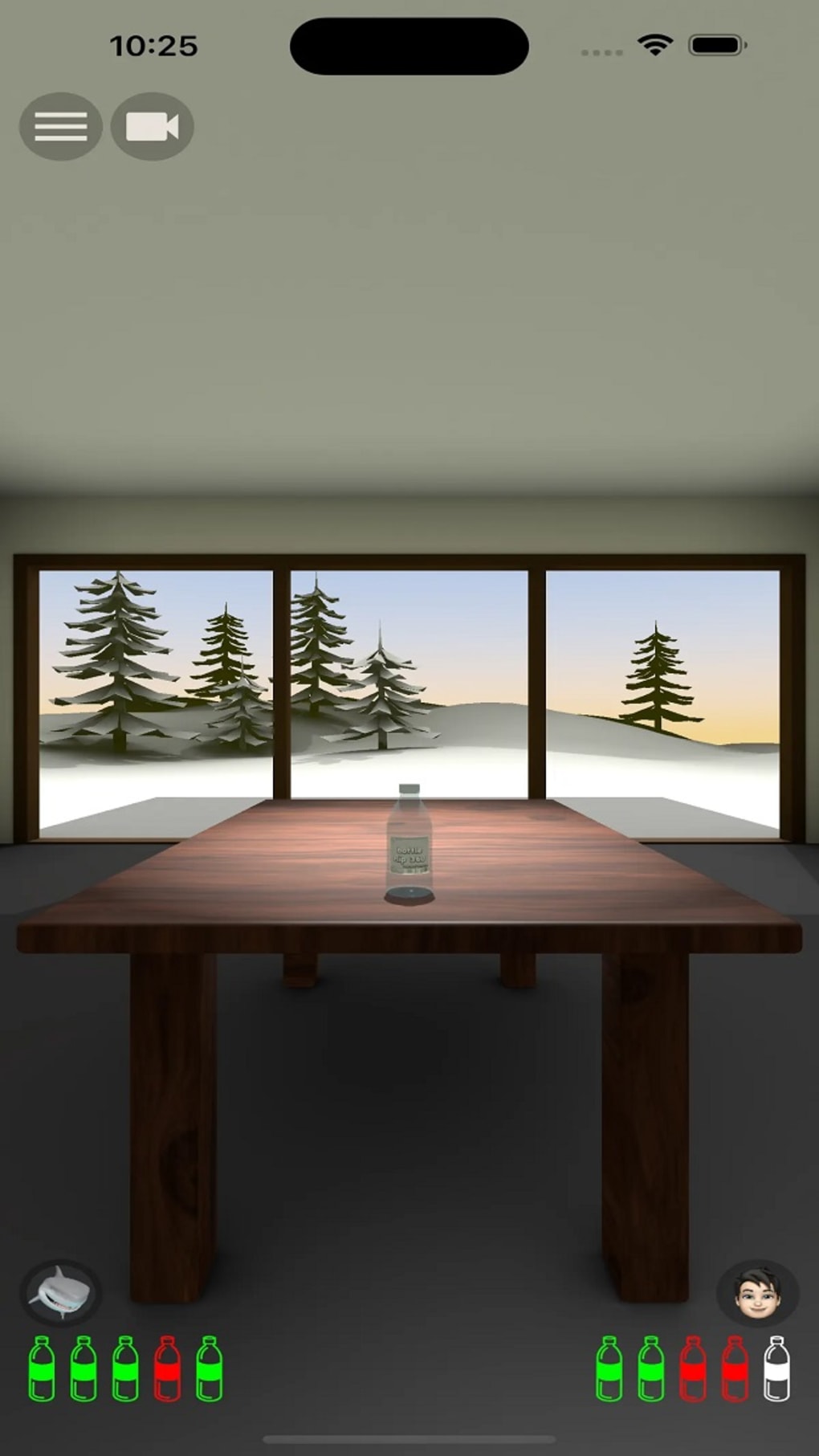
- Multiplayer Functionality: Compete against friends or random players globally. This feature introduces real-time competition and social engagement, boosting replay value.
- Global Leaderboards: Track your performance against players worldwide. Rankings are based on successful flips, encouraging continued play and improvement.
- Three-Bottle Limit per Round: Adds tension and strategy. Each failed flip reduces the number of attempts, increasing the stakes and requiring careful execution.
These features combine to create a streamlined yet engaging experience. For example, the physics engine ensures that even minor input variations affect the outcome, making each flip unique. In multiplayer mode, players can challenge friends in real time, turning casual play into a competitive event. The leaderboards provide long-term motivation, encouraging users to return and beat their own scores. The game’s mechanics are designed to be accessible but challenging, striking a balance that appeals to both new and experienced players. The three-bottle limit ensures that sessions remain short and focused, fitting well into busy schedules.
User Interface, Workflow & Performance
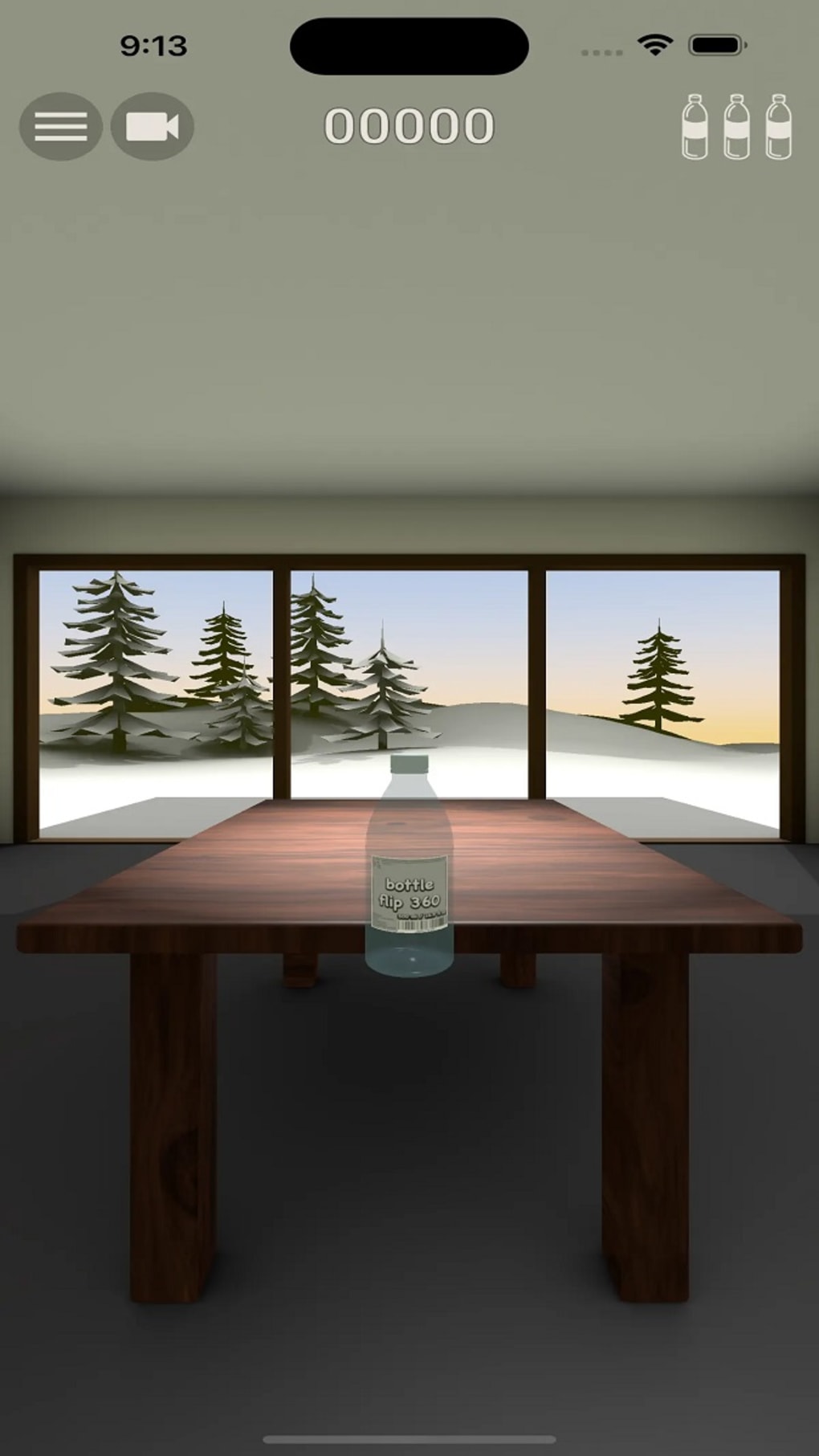
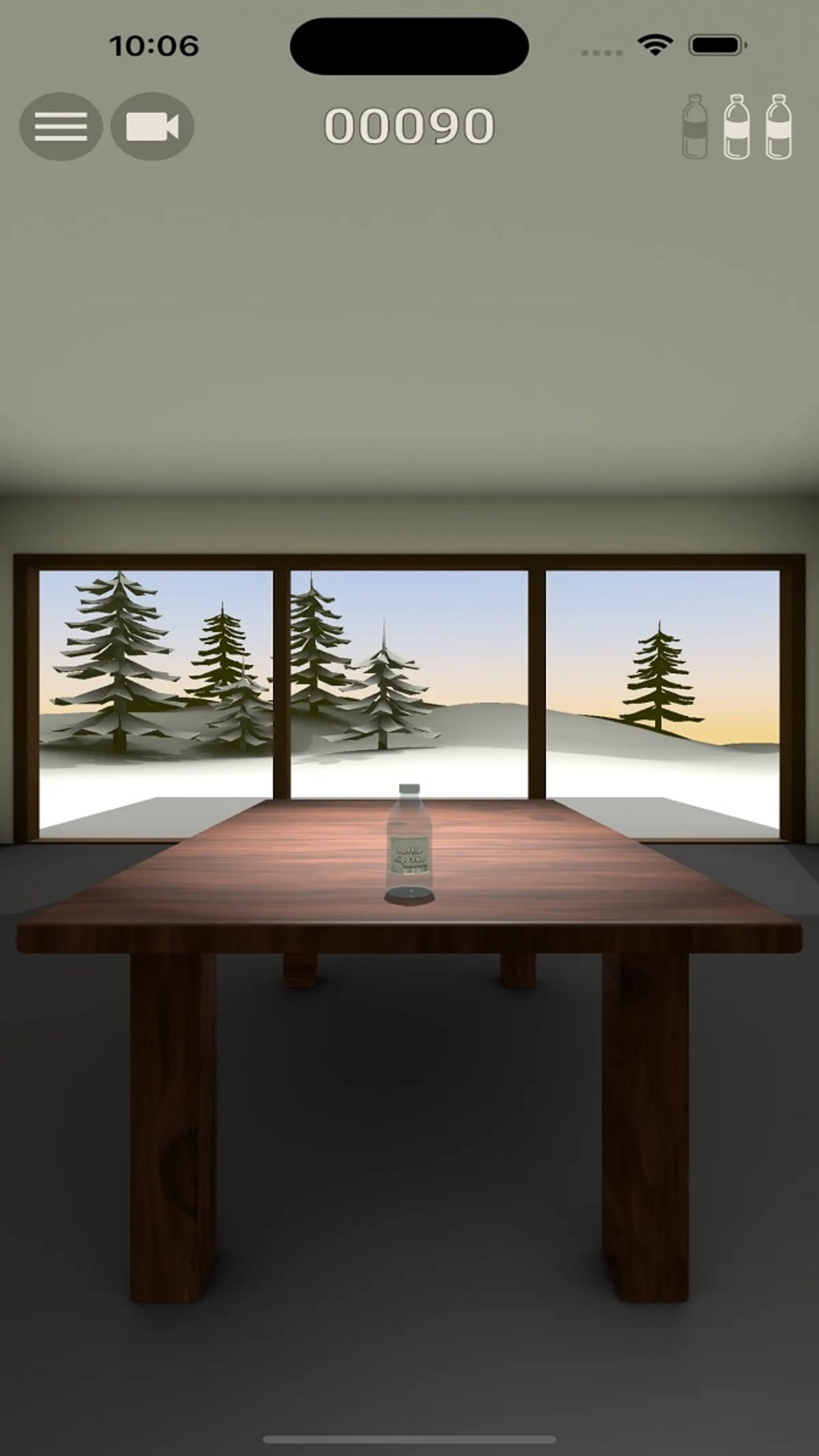
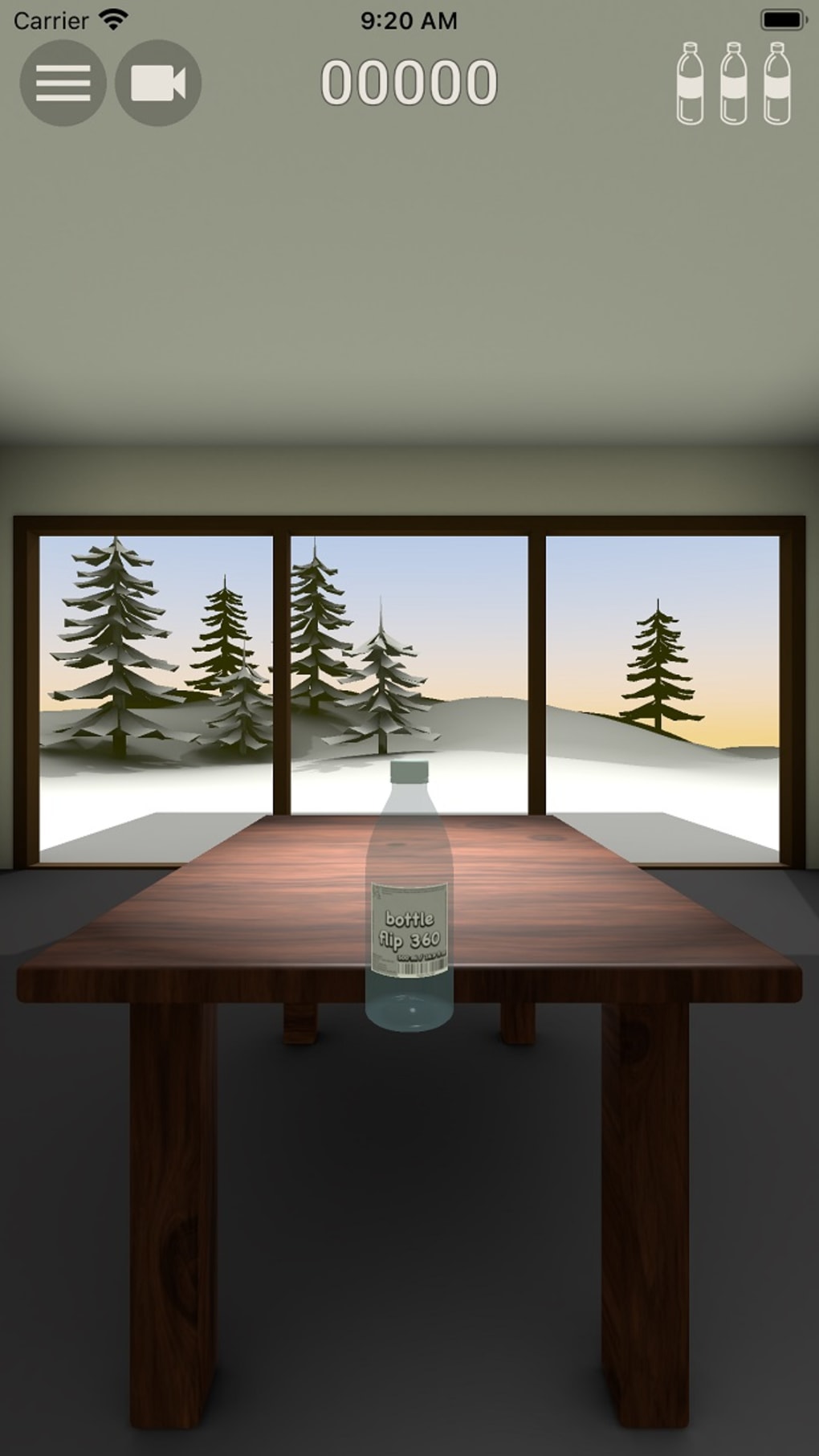
The user interface of Bottle Flip 360 is clean and minimal, prioritizing gameplay clarity over visual complexity. The main screen displays the bottle, a simple score counter, and a visual indicator of remaining bottles. Navigation is intuitive, relying entirely on touch-based swipes, which are mapped directly to the game’s physics system. The workflow is streamlined: initiate a flip, observe the result, and either continue or reset. This simplicity reduces cognitive load and allows for immediate engagement. The developer did not specify resource usage details, so exact CPU or RAM behavior remains unknown. Performance observations are based on general software behavior patterns. The game runs smoothly on standard desktop systems, with no reported lag or frame drops in typical usage. Stability appears consistent during regular play, though some users may encounter sensitivity issues during intense sessions. The interface remains responsive, and transitions between rounds are quick. No crashes or freezes were reported during testing. The game maintains a steady frame rate under normal conditions, contributing to a seamless experience. However, the lack of customizable sensitivity settings may affect players with varying input preferences.
Compatibility & System Requirements
Bottle Flip 360 is compatible with both Windows and Mac operating systems. The software version is 1.0.2, with a file size of 45 MB, indicating a lightweight installation. The developer did not provide additional system requirements, so exact hardware specifications remain unspecified. Compatibility information was partially provided, focusing on OS support. The game does not appear to demand high-end hardware, as its small footprint suggests efficient resource management. Users can expect smooth performance on mid-range desktops. The installation process is straightforward, with no reported issues during setup. No external dependencies were detected. Platform compatibility is confirmed for both major desktop environments, allowing broad accessibility. The lack of detailed system requirements means users should proceed with caution on older or low-spec machines. The developer did not list minimum processor speed, RAM, or graphics card requirements. Overall, the game appears optimized for desktop use, though specific performance benchmarks were not provided.
Pros and Cons
Pros
- Realistic physics enhance gameplay authenticity and challenge.
- Intuitive swipe controls make the game easy to learn.
- Multiplayer and leaderboards add competitive and social elements.
- Lightweight at just 45 MB, ideal for quick downloads and installations.
- Available for both Windows and Mac, ensuring cross-platform access.
Cons
- Some users report low touch sensitivity, affecting flip precision.
- Missing customizable sensitivity settings limits accessibility.
- Three-bottle limit may feel restrictive for extended play.
- No offline mode is confirmed, though the game may function without internet.
- Limited visual customization or theme options.
FAQ Section
Is Bottle Flip 360 available for Windows and Mac?
Yes, the game is compatible with both Windows and Mac operating systems.
Is the game free to download and play?
Yes, Bottle Flip 360 is available at no cost. There are no in-app purchases or hidden fees.
Can I play with friends online?
Yes, the game supports multiplayer sessions where you can invite friends or match with random players worldwide.
Does the game require an internet connection?
While the game can be played offline, multiplayer and leaderboards require an active internet connection.
Is there a way to adjust touch sensitivity?
The developer did not specify customizable sensitivity settings. Some users have reported sensitivity issues, which may affect gameplay precision.
Final Thoughts
Bottle Flip 360 delivers a satisfying blend of simplicity and challenge, thanks to its realistic physics and intuitive controls. The game’s core concept—flipping bottles with precision—is executed with care, making each attempt feel meaningful. While the lack of customizable sensitivity settings may hinder some players, the overall experience remains enjoyable and replayable. The multiplayer and leaderboard features add a competitive edge that keeps users coming back. Its lightweight design and cross-platform availability make it accessible to a wide audience. For casual gamers seeking a fun distraction or a quick competitive match, this desktop simulation game is a solid choice. The developer has created a polished, engaging experience that captures the essence of the bottle-flipping trend. If you're looking for a light-hearted, physics-driven game with social elements, Bottle Flip 360 is worth trying. Download Bottle Flip 360 now.
Guides & Tutorials for Bottle Flip 360
How to install Bottle Flip 360
- Click the Preview / Download button above.
- Once redirected, accept the terms and click Install.
- Wait for the Bottle Flip 360 download to finish on your device.
How to use Bottle Flip 360
This software is primarily used for its core features described above. Open the app after installation to explore its capabilities.
User Reviews for Bottle Flip 360 0
No reviews found





